Sign up newsletters
Create an automated reward system for newsletter subscriptions.
This feature is available in all plans
What is "Sign up newsletters" feature?
The Newsletter Sign Up feature rewards customers for subscribing to your store's newsletter. Available in all Joy Loyalty plans, this feature helps grow your subscriber list while rewarding customer engagement through points.
Why do you need this feature?
Offering rewards for newsletter sign-ups can be an effective way to grow your subscriber list and keep your customers engaged. By keeping your customers informed about your latest products, offers, and news, you can encourage repeat business and build stronger relationships with your customers.
How to set up this feature
Get access to "Sign up newsletters"
Choose Reward programs -> Earning programs -> Click Add rule -> Choose Sign up newsletters
Set up "Sign up newsletters"
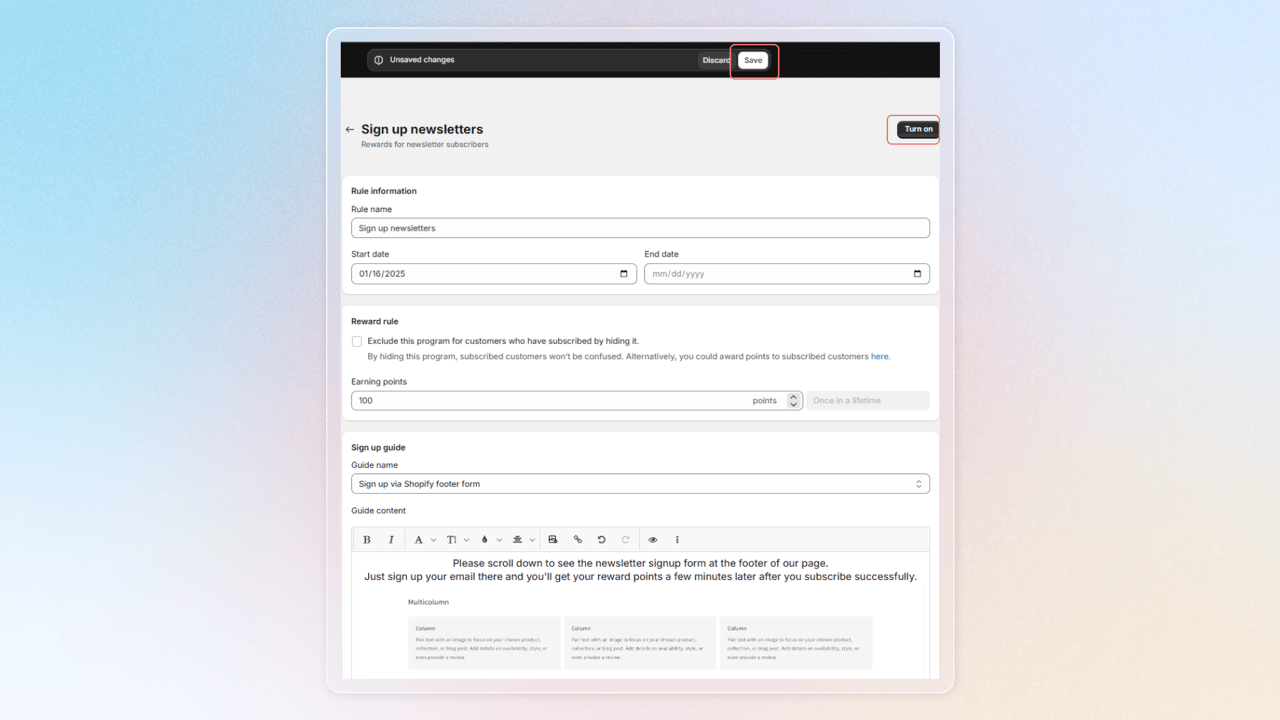
a. Rule information
- Rule name: Enter the name of the earning reward program
- Start date and End date: Define the activity duration for your program
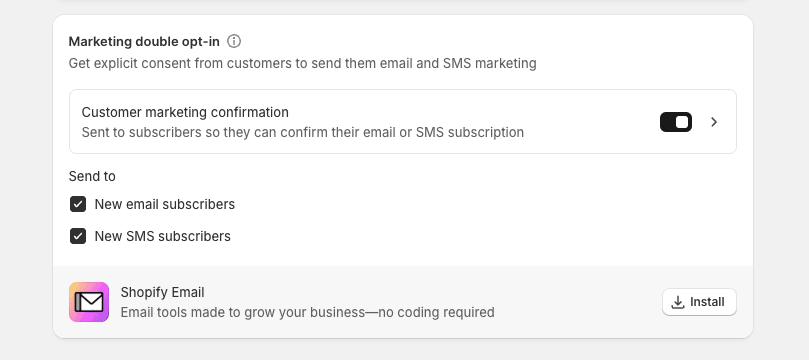
b. Reward rule
Earning Points: Input the number of points customers will receive when they subscribe to newsletters on your store
c. Sign up guide
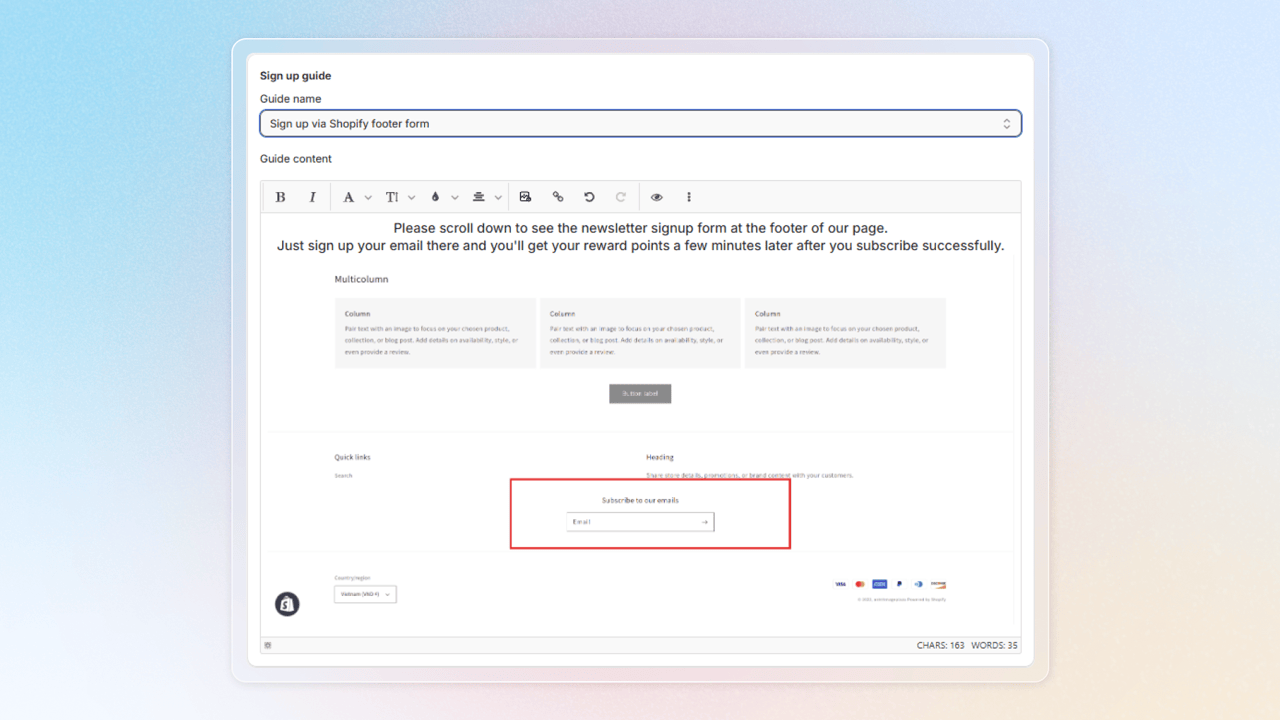
- Guide name: Choose your sign-up method with 3 options: Sign up via Shopify footer form, Sign up via popup, and Blank
- Guide content: Customize the content of your sign up guide here
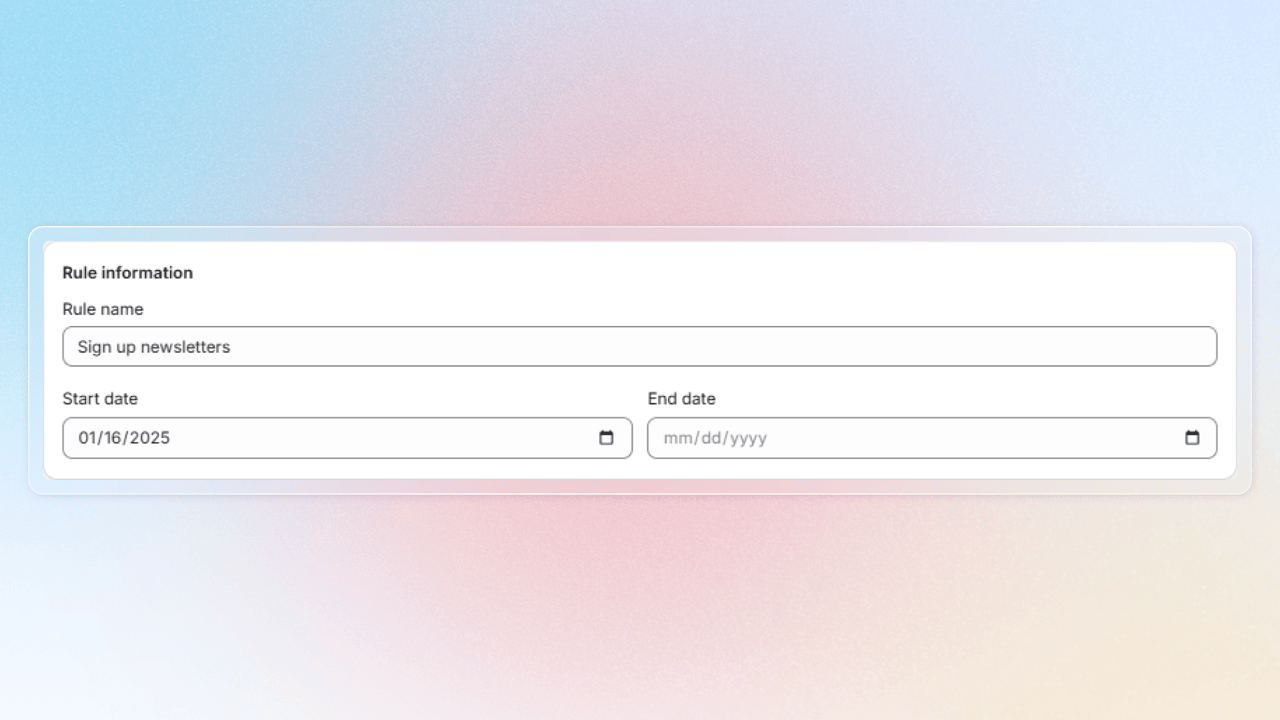
Save your changes and press Turn on Sign up newsletters program
Let another app manage email marketing consent
By default, when a customer subscribes through Joy, Joy marks them as subscribed in Shopify right away. If another app or your own flow handles subscriptions, for example to send a double opt-in confirmation email first, turn this setting on.
In the Sign up newsletters rule, tick Let another app manage email marketing consent. It sits next to the sync option.
When it is on:
- Joy stops changing the customer's email subscription status in Shopify. It does not write Subscribed or Unsubscribed from any surface.
- The Newsletter card still shows your program and reward, but the tick box and Subscribe button are removed.
- Joy gives the reward once Shopify shows the customer as subscribed, whichever app made them subscribed.
- The Email marketing switch in the widget Profile and the newsletter box in Referral are hidden.
The setting is off by default and applies to your whole store. Turning it off brings everything back as it was. Subscription statuses Joy already wrote to Shopify stay as they are.
Frequently asked questions
My customers have subscribed but are still not getting points, why?
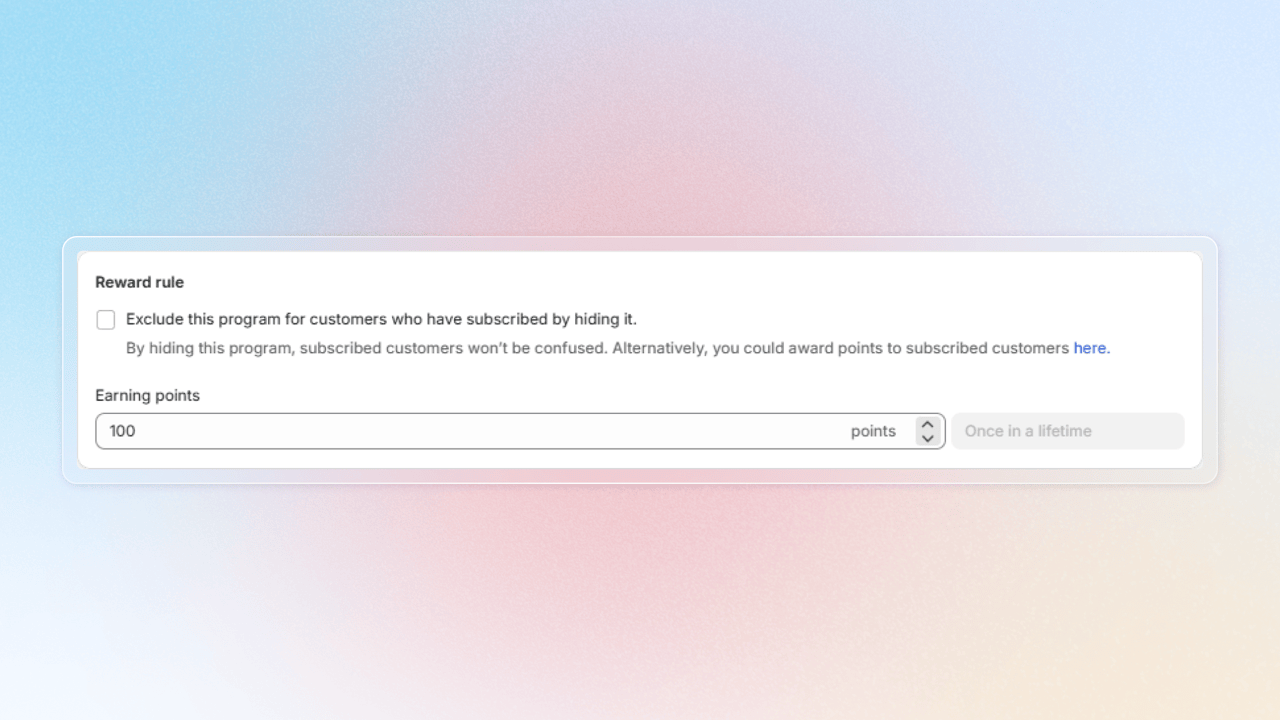
One of the most common causes is that you are using double-opt-in for the newsletter. This will make the marketing status in your Shopify as "pending" so our system can't add reward yet. It is the same with any form from any other apps: Klavyo form, Shopify form, etc. It is the Shopify marketing status that we process, not whether the form is submitted or not.
Do I need to connect Klaviyo or another app to use this setting?
No. Joy does not need to know which app handles the subscription. It only reads the status Shopify reports.
Will a customer who confirms days later still get the reward?
Yes. Joy gives the reward when Shopify reports the customer as subscribed, whether that is minutes or days after they sign up.
Can I still turn on the setting if the Newsletter program is off or deleted?
Yes. The setting belongs to your store, not to the program, so it stays when you delete the program and you can turn it on before creating one.
Customers were already subscribed before I turned this on. Do they get the reward?
Not automatically. Shopify does not report them again, so use the sync option in the rule to reward them.
Does this change SMS marketing?
No. The setting only covers email marketing consent.
Does the reward still go out when I give it from Shopify Flow or by hand?
Yes. Rewards you start yourself are given right away, as before. Joy still does not change the subscription status.
Need help?
Contact us via the live chat widget in your Joy admin, or email us at win@joy.so.